Where does this payer want it?
One plan takes MRIs in its own portal, another routes them to eviCore or Carelon, a third wants a fax. The routing changes and nobody tells your team.
Your coordinators know the case in minutes. Typing it into the payer's portal, form or phone line takes the rest. A Clicks agent builds the request from the chart, submits it wherever the payer wants it, and logs the confirmation back in the EHR.
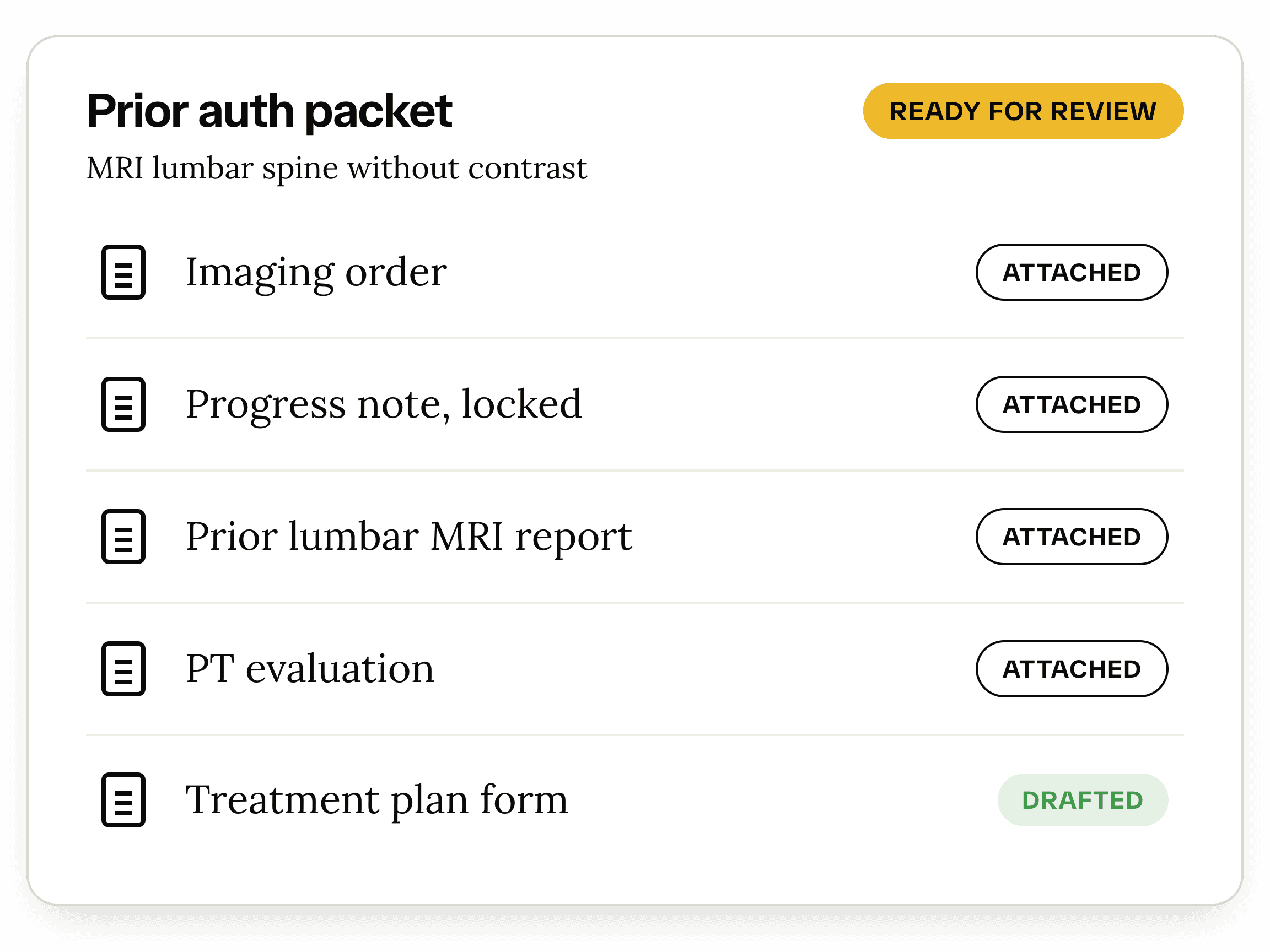
In eClinicalWorks, the agent opens the chart, downloads the order, the locked note, the prior MRI and the PT evaluation, fills the treatment plan form, and uploads the packet for review.
eClinicalWorks demo using fictional patient data in a test environment.
The surgeon decided the patient needs the MRI before any of this starts. What follows is the same case, entered again in whichever portal, form or phone line the payer wants this week. In a survey of 353 hip and knee surgeons, 93% reported a high administrative burden from prior auth, and 71% employed at least one person only for it (Pereira et al., Journal of Arthroplasty, 2023).
One plan takes MRIs in its own portal, another routes them to eviCore or Carelon, a third wants a fax. The routing changes and nobody tells your team.
The order, the locked note, prior imaging and therapy notes all have to go with the request, or it comes back.
Every field already sits in the chart. Coordinators retype it into the portal, then retype the confirmation number back.
When the portal sends the request to the phone, someone sits on hold to finish it.
Payer-specific knowledge lives in one coordinator's head, and it leaves when they do.
We start with your own cases. The agent prepares the same requests your coordinators do, and your team checks every packet before anything goes out on its own.
Any portal, form or phone line your team can use, including Availity, eviCore and Carelon, and state forms such as the New Jersey APTP. When a payer changes its routing, the agent adapts. Your team does not have to.
No. The provider decides what the patient needs before the agent starts. The agent works from what the provider documented and never adds a diagnosis.
eClinicalWorks, athenahealth, ModMed, Epic, NextGen Healthcare, and any other system your team can log into. The agent works the same screens your coordinators use, so there is no integration project.
The agent sends the case to your team with exactly what is missing. It does not guess, and it does not create documentation.
Yes. The agent checks status on a schedule, calls when the portal has no answer, and sends the records the payer asks for until the decision lands.
No risk, no commitment. We prove value before you pay.